In development DMXWirelessBattery
Pillar candles
Living candlelight, run from the lighting desk.
Pillar candles with no open flame and no cables. Every candle has its own DMX address, colour and flame, and the lighting desk runs them wirelessly with the rest of the rig.

What it does
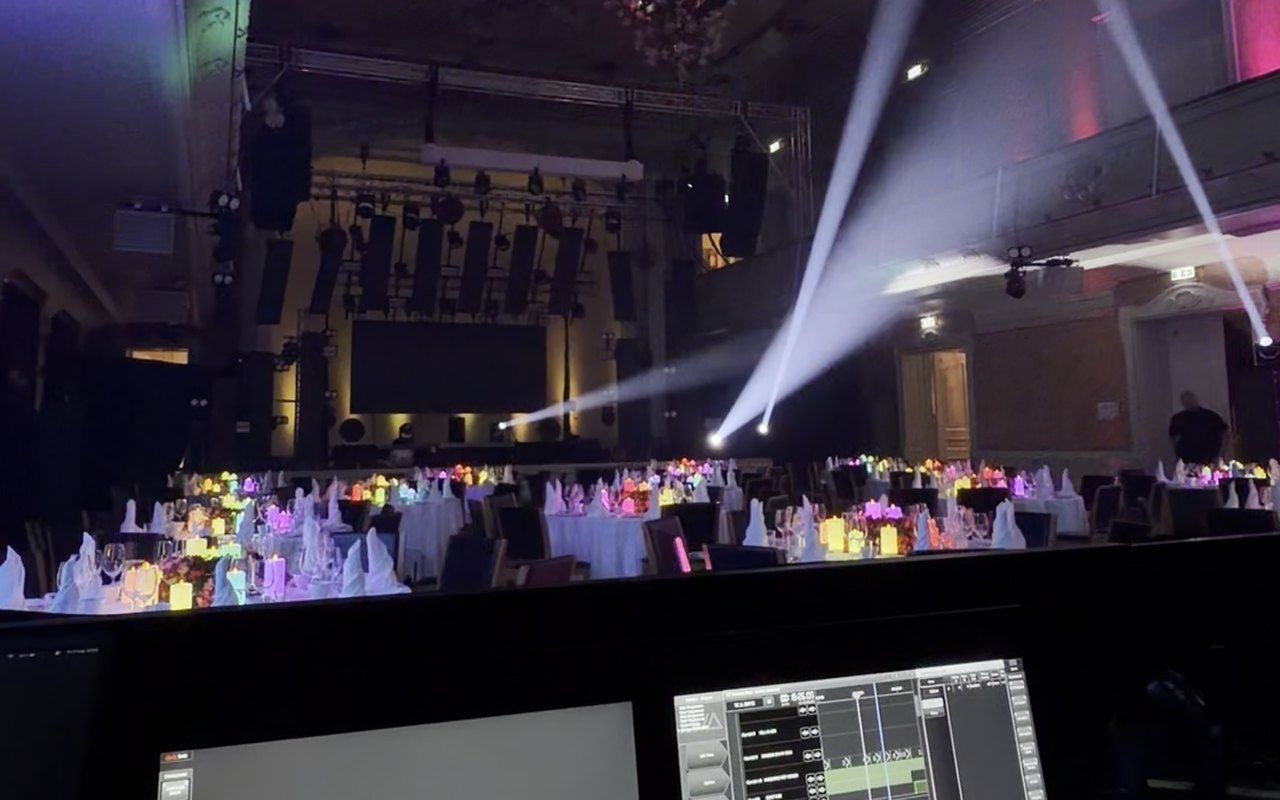
Run from the lighting desk
Each candle is patched to its own DMX address. Flame, colour and strobe follow the desk, in step across the whole fleet.
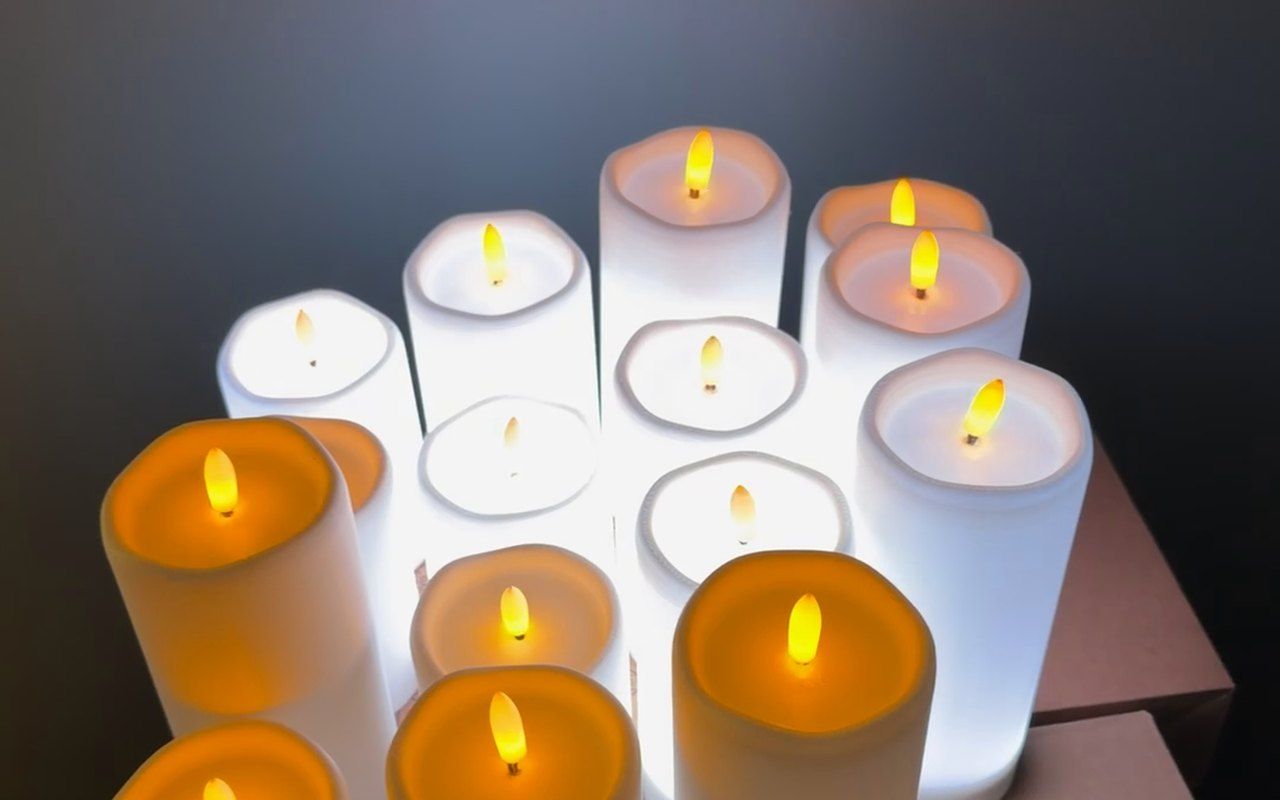
A flame that looks alive
The flame engine has eight flame curves, and every candle flickers in its own way, so a row of candles never flutters in unison.
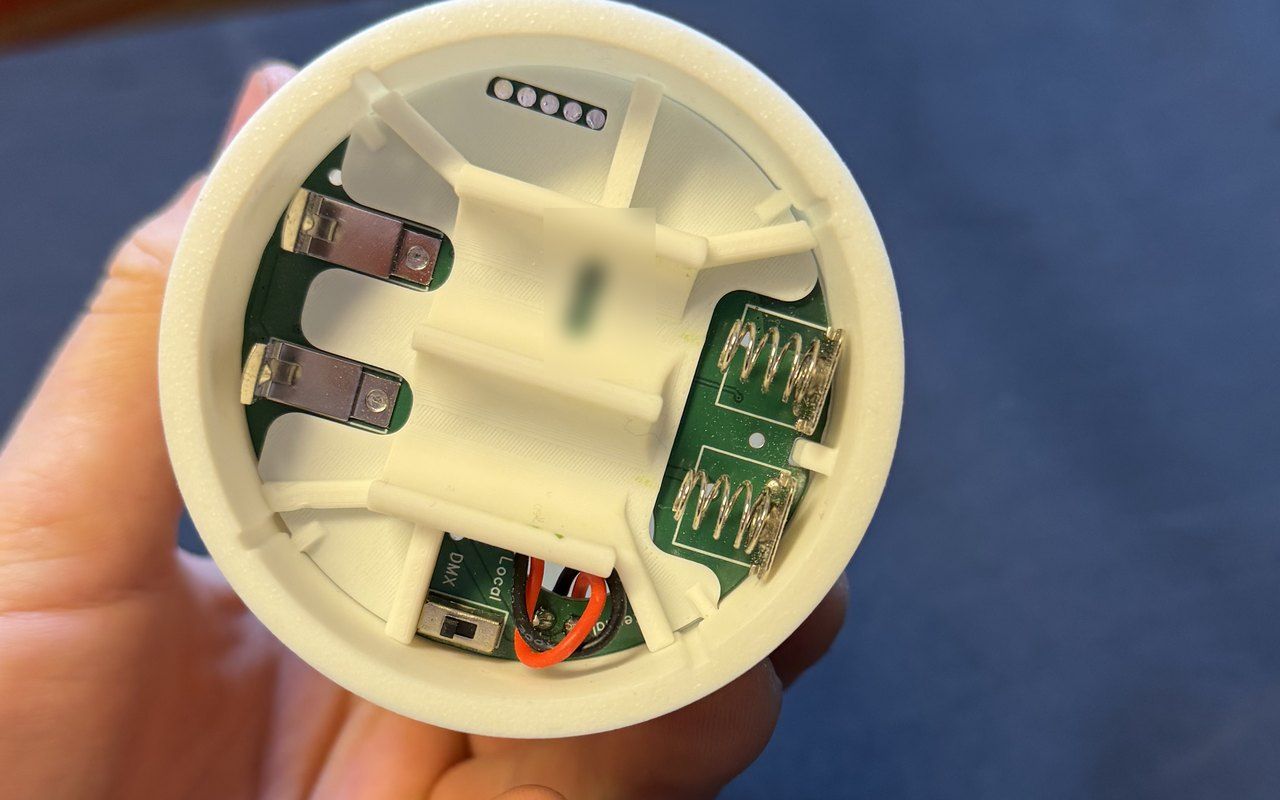
Wireless and battery-powered
No cables to hide or tape down. The candles run on rechargeable cells and report their own battery level as they go.
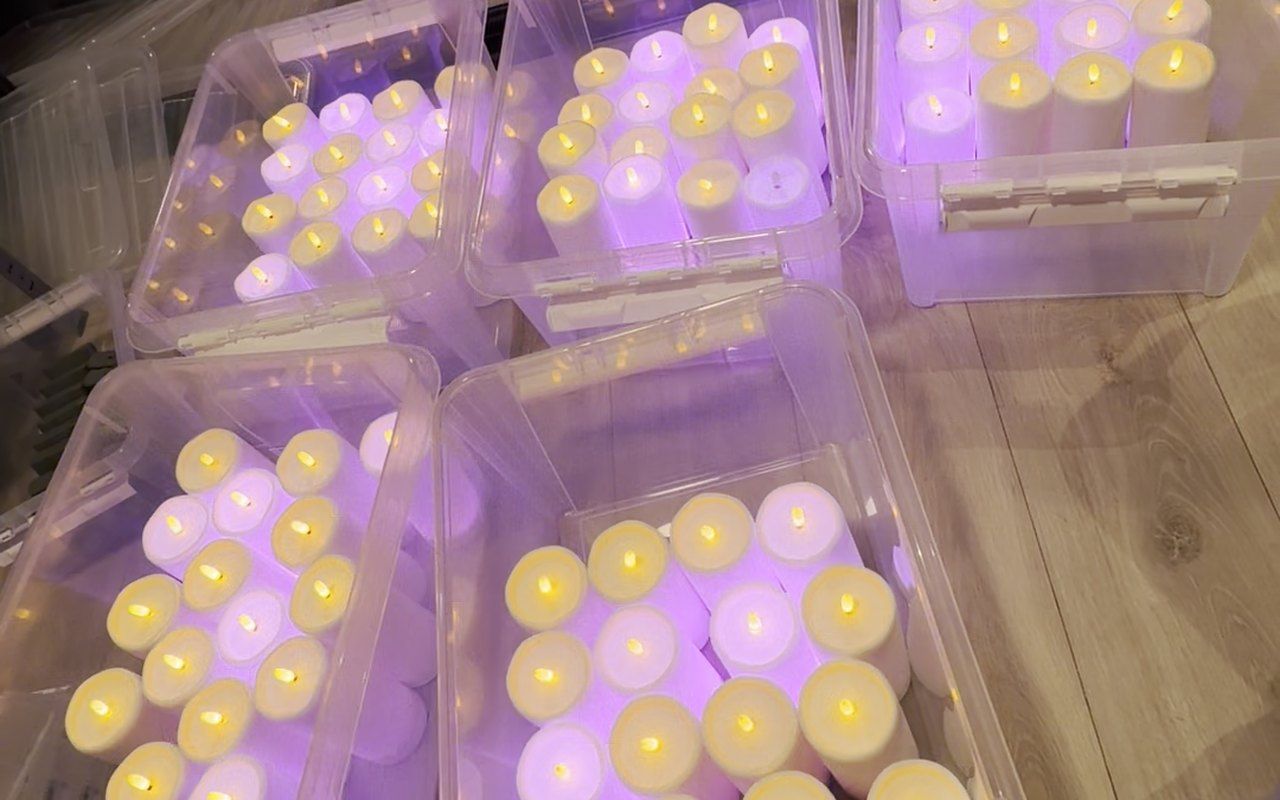
The dock keeps track
A control panel in the browser shows the whole fleet live, with battery, signal and status. Press «Identify» and the right candle blinks.


On real jobs
Filmed on a phone during rigging, testing and shows, with no editing beyond cropping. Swipe or use the arrows.
-
The whole room changes colour
-
Run from the desk
-
Stage and tables in step
-
Set for a gala dinner
-
Eighty candles in a test
-
A centrepiece by daylight
-
Colours in a wreath
-
Snap, flame and colour
Try the desk
Every candle has seven DMX channels. Move the faders, or pick a ready setting, and watch what the candle does. The flame looks and the strobe are worked out the way the candle itself does it.
The simulator needs JavaScript. The channels are listed in the DMX map further down.
What the candle tells you
The candle shows what is going on by itself. Pick a status to see what it looks like.
- Identify
- What you see A white blink, twice a second, for as long as it is on.
- When it happens When you press «Identify» in the dock, or send 220–224 on channel 5. From the dock it lasts 10 seconds.
- DMX lost
- What you see The candle does what you chose: holds the last look, goes dark, shows its own flame or glows red.
- When it happens When the DMX signal drops. What happens is chosen on channel 5 (50–54). The default is to hold.
- Battery
- What you see The colour shows how much charge is left, from green to red.
- When it happens When you send 215–219 on channel 5. It stays until channel 5 goes back to a flame look.
- Signal
- What you see The colour shows how strong the signal is: green, orange or red.
- When it happens When you send 210–214 on channel 5. It stays until channel 5 goes back to a flame look.
- Local mode
- What you see The candle burns with its own saved flame, with no desk. From the factory that is a warm colour with Wander at strength 3.
- When it happens When the switch under the candle is set to Local.
- Not set up
- What you see White and orange in turn, twice a second.
- When it happens When the candle has not been set up in the dock yet.
- Empty battery
- What you see The candle goes out and stays dark. It does not flicker or come back on.
- When it happens When the cells are empty. The dock gets a low-battery warning at 20 % beforehand.
The whole fleet on one screen
The dock shows that DMX is coming in, which candles are on air and which need looking after: battery, signal and when a candle was last seen. During the show it sits in show mode and locks its controls.


DMX map
Seven channels per candle. The addresses follow on, so the second candle starts at channel 8.
- Flame 0–255 flame brightness
- Red 0–255
- Green 0–255
- Blue 0–255
- Flame look and commands 0–49 flame look and strength50–54 when DMX drops220–224 identify
- Strobe, colour 0 off1–100 = 0.5–10 Hz101–200 = 10–50 Hz201–255 sparkle
- Strobe, flame 0 off1–100 = 0.5–10 Hz101–200 = 10–50 Hz201–255 sparkle
Flames and effects
Eight flames
- Calm
- Wander
- Lively
- Gusty
- Waves
- Torch
- Loop
- 2Cell
Picked on channel 5, each in five strengths, from a calm glow to a flame in a draught.
Strobe and sparkle
From 0.5 to 50 Hz, or random sparkle. The colour and the flame flash independently, and a regular strobe keeps in step across the whole fleet.
Your call when DMX drops
If the DMX signal drops, the candles do what you chose on channel 5: hold the last look, black out, show their own flame or glow red.
Show mode
While the show runs, the dock watches the fleet but changes nothing unless you ask it to.
Facts
Other products
In development Web · Event platform
Gjestetavla
A digital guest board for company parties, Christmas dinners, galas and conferences. Guests scan a QR code, and nobody has to download anything.
Read about the product →Live iOS app
DMX Dip Calculator
Works out DIP switch settings for DMX lighting, and shows the switches the right way round however the fixture is hung.
Read about the product →Taking orders Manufacturing
Haugan 3D Works
3D design, 3D printing and CNC: prototypes, spare parts and small batches.
Read about the product →